
YOUR IMAGE. YOUR CHOICE.
Show what matters.
Hide the details.
A little cover. A clear annotation. Your own watermark. Make an image ready to share, with editing that stays on your device.
Available now for Android
iOS version in preparation
Screenshots show the Android version.
On-device editing
No account required
Your original stays unchanged
01 / REDACT
Keep the story.
Leave out the personal.
Sharing a receipt or a screenshot? Cover names, addresses and other details with a brush or rectangle. Choose mosaic, blur or a solid cover to suit the image.
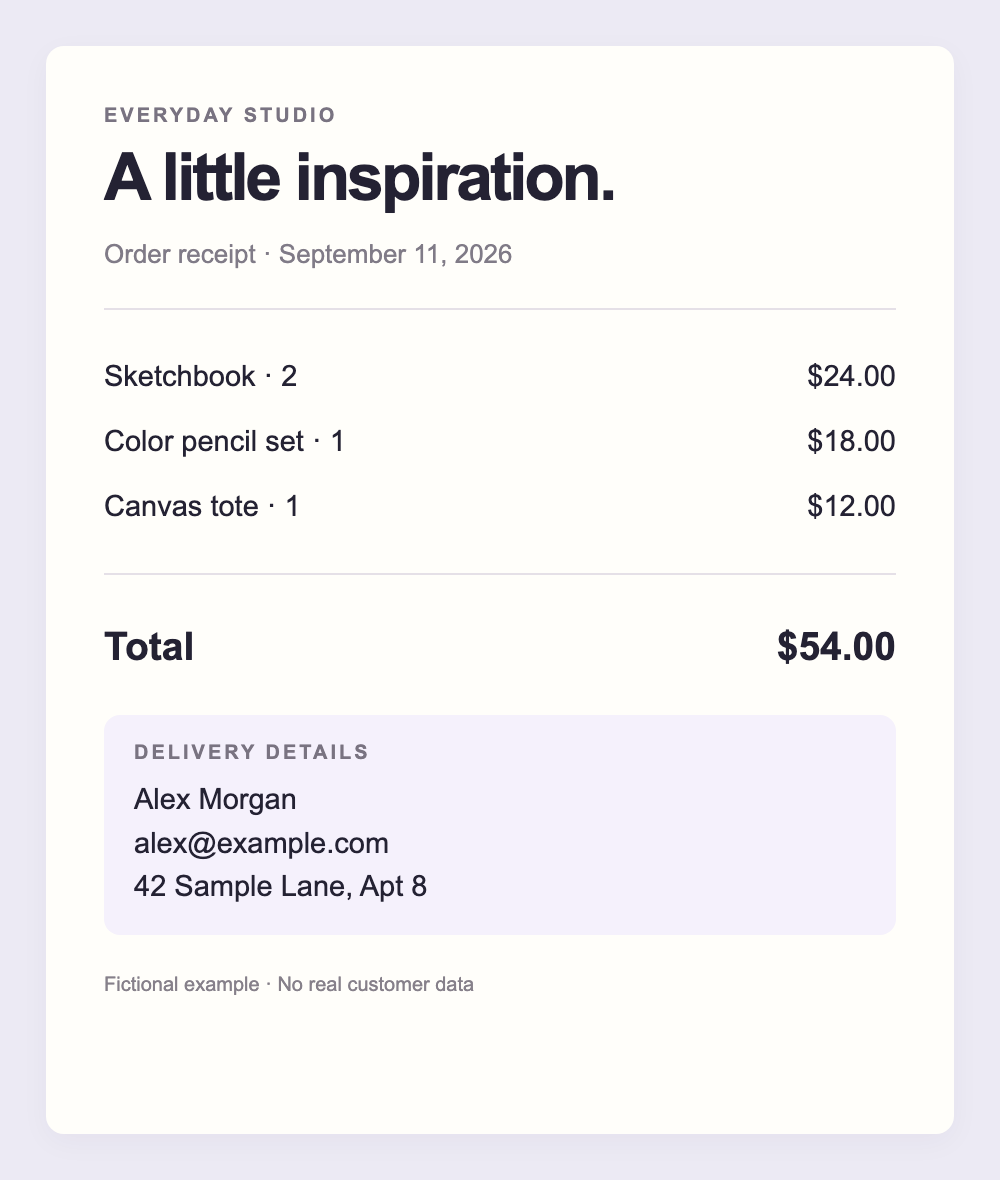
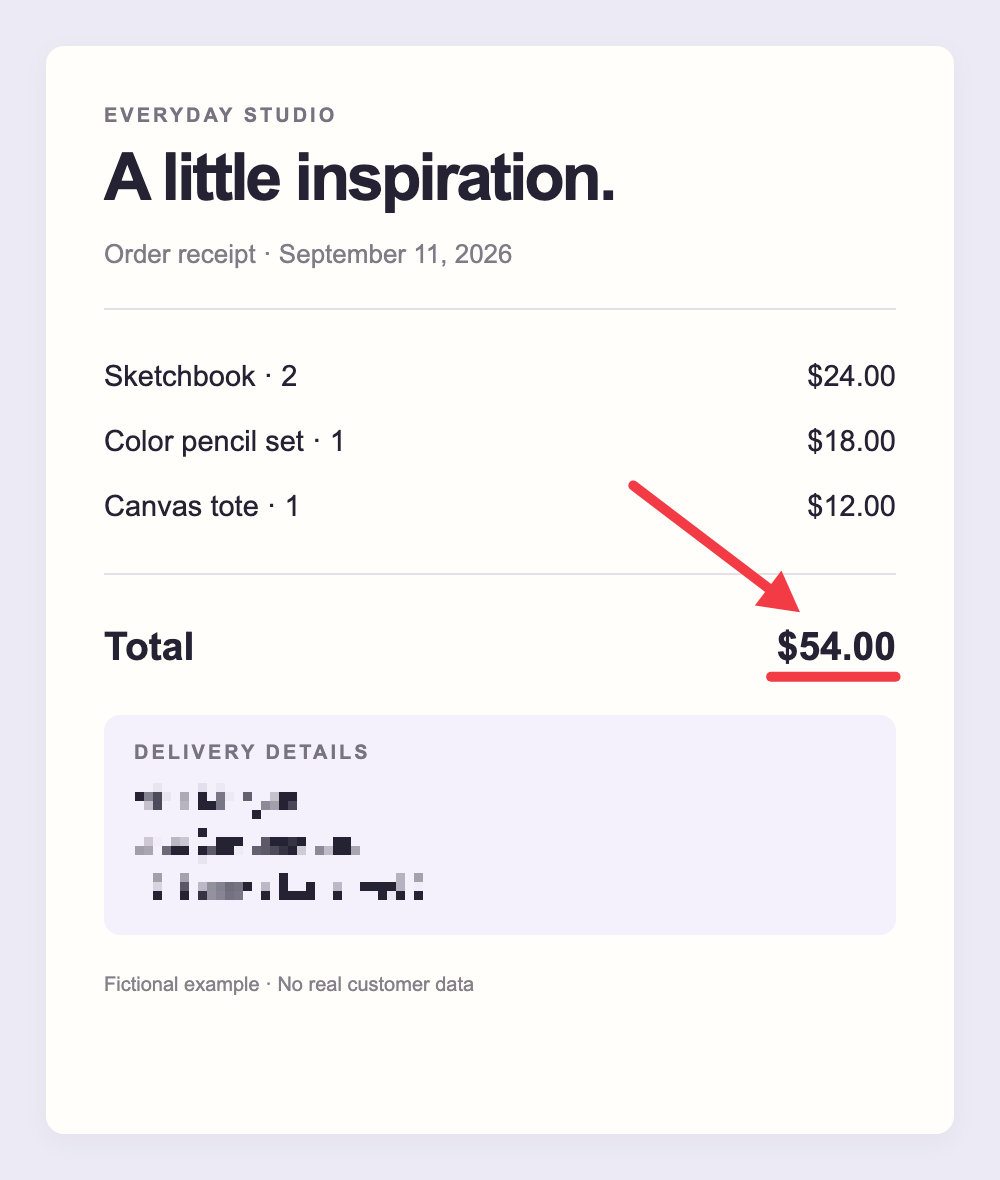
Sample content only. Always inspect the exported image before sharing. For highly sensitive details, use sufficient solid coverage.
02 / ANNOTATE
A point worth making.
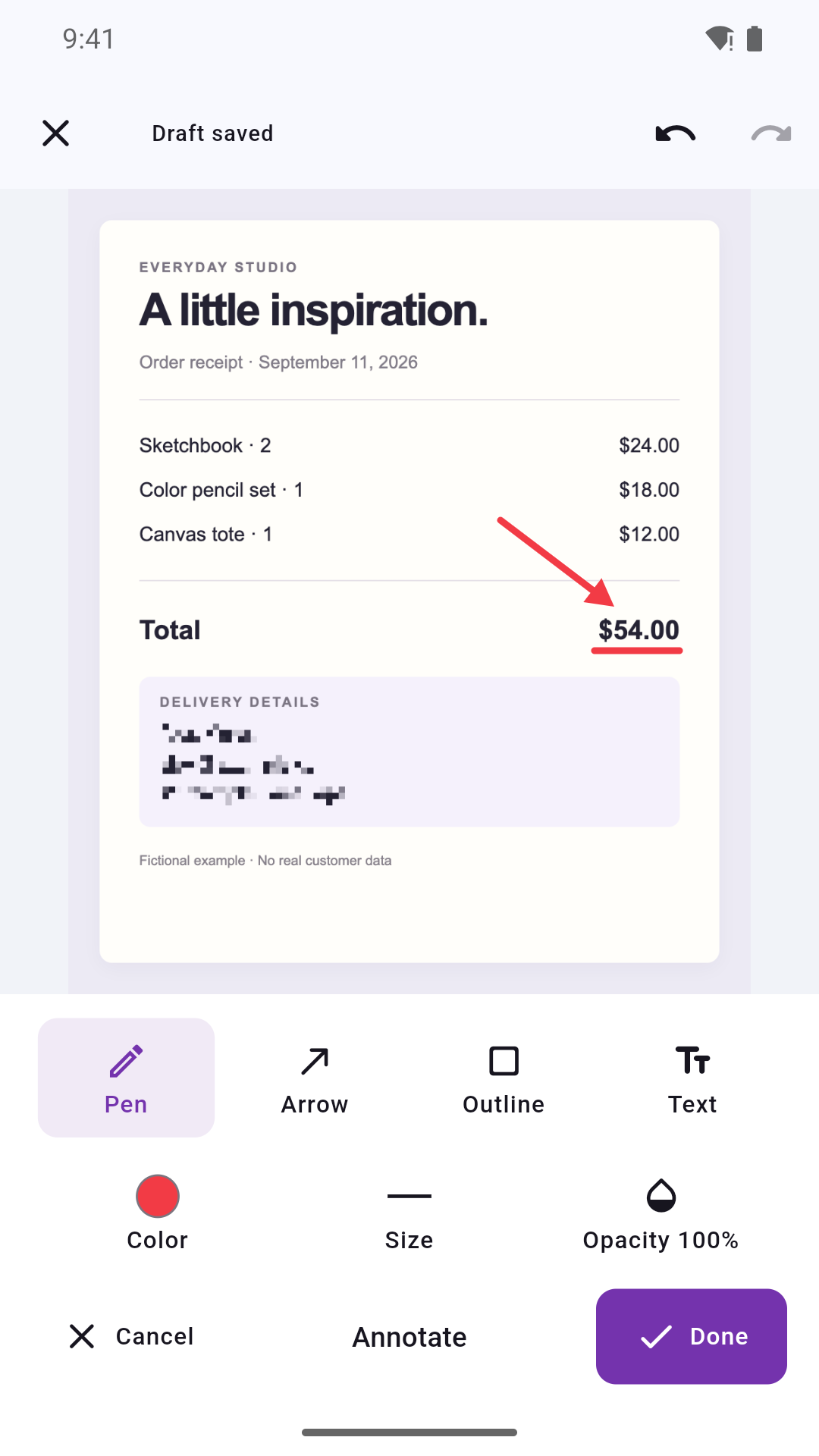
Underline a total, point out a detail, or add a note. The pen, arrows, outlines and text help your image say exactly what you mean. Zoom in for a closer look; undo when you want to try again.
- Pen
- Arrow
- Outline
- Text
03 / WATERMARK
Your work.
Your finishing touch.
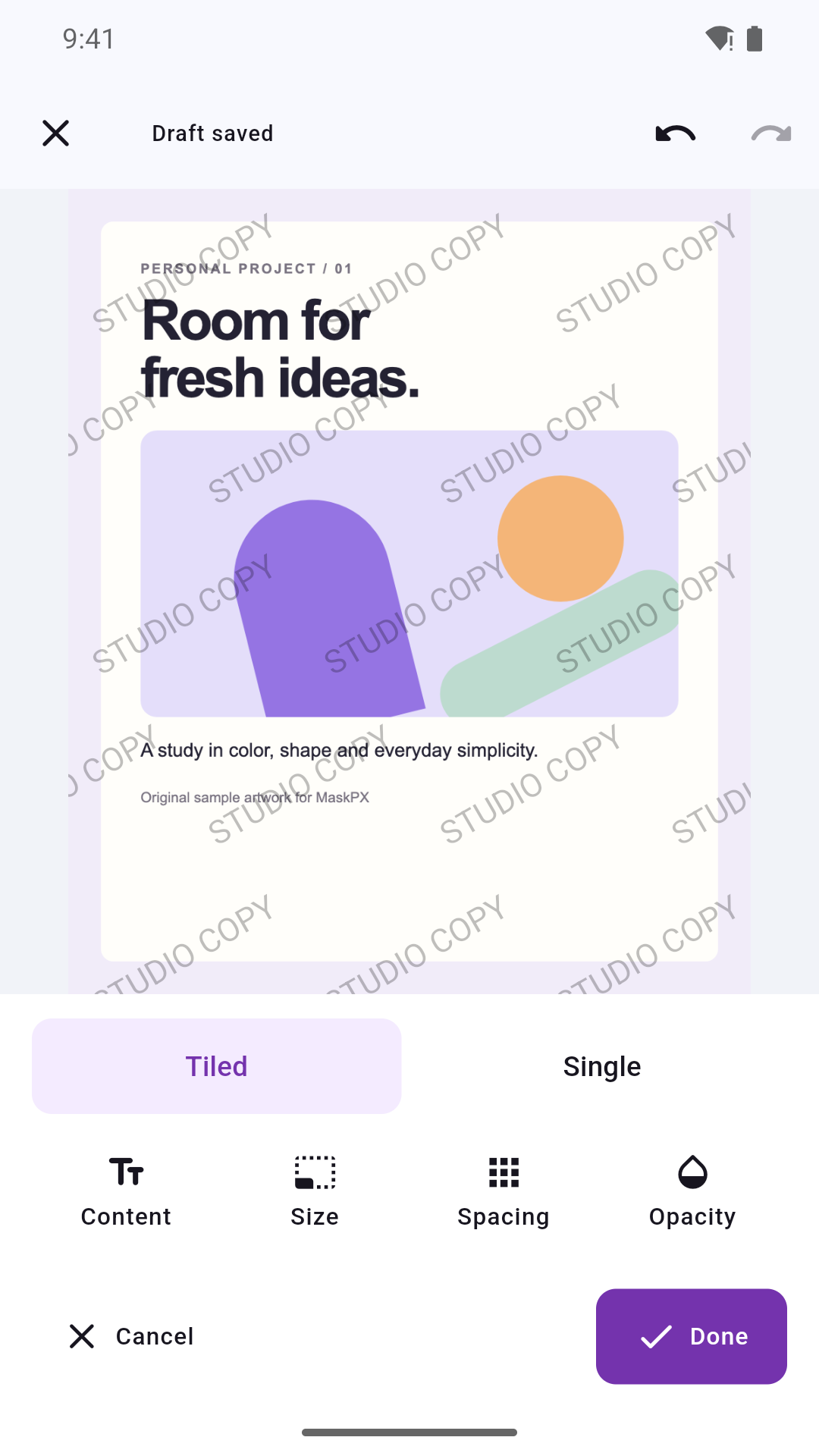
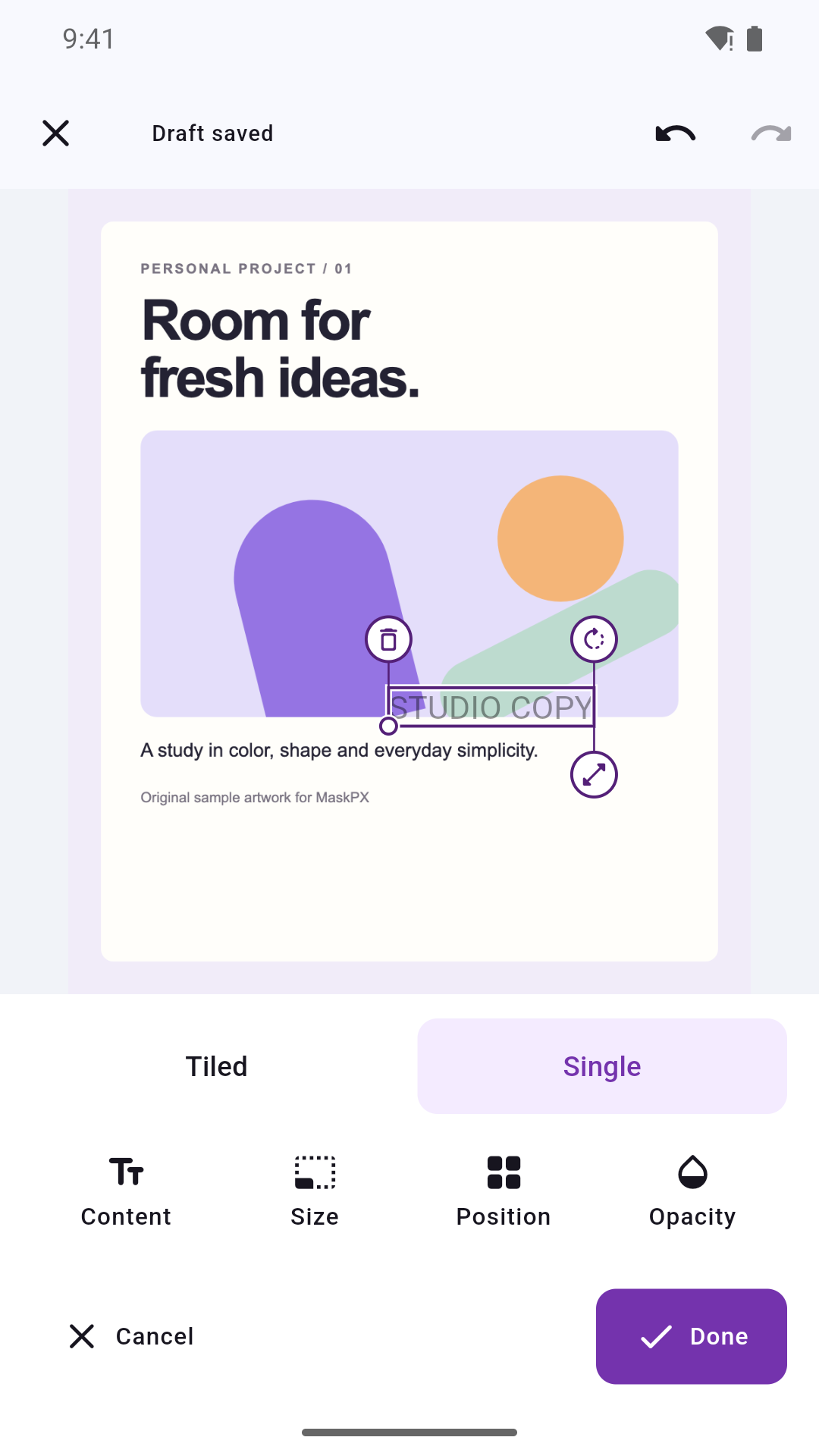
Add text or an image watermark. Repeat it gently across the image, or place one mark exactly where you want it. Adjust size, spacing, angle and opacity.
Across the image
A repeating pattern with room to breathe.
Right where you want it
Move, resize and rotate your own signature.
04 / KEEP CREATING
Pause. Come back.
Make it yours.
On Android, keep editable projects on your device. Come back to your work, or start fresh from the original. When you are ready, save a separate PNG or choose an app to share it with.
Learn about projects and exports- 1
Choose an image
Select a photo or screenshot with the system picker.
- 2
Make your edits
Cover, annotate and add a watermark.
- 3
Review, then share
Inspect the saved result. Your original stays unchanged.
A few things to know.
Are my images uploaded for editing?
No. MaskPX edits images on your device without uploading them to an editing server. If you choose to share through another app, that app handles the image under its own privacy practices.
Does a saved project replace my original?
No. Exports create a separate image. Editable projects can retain an original copy and your edits on the device until you delete them. A saved draft and an exported image are different.
Where can I download MaskPX?
Download the Android app on Google Play. The iOS version is in preparation and is not yet available on the App Store.
Clear information. Your control.
The details behind your editing experience.